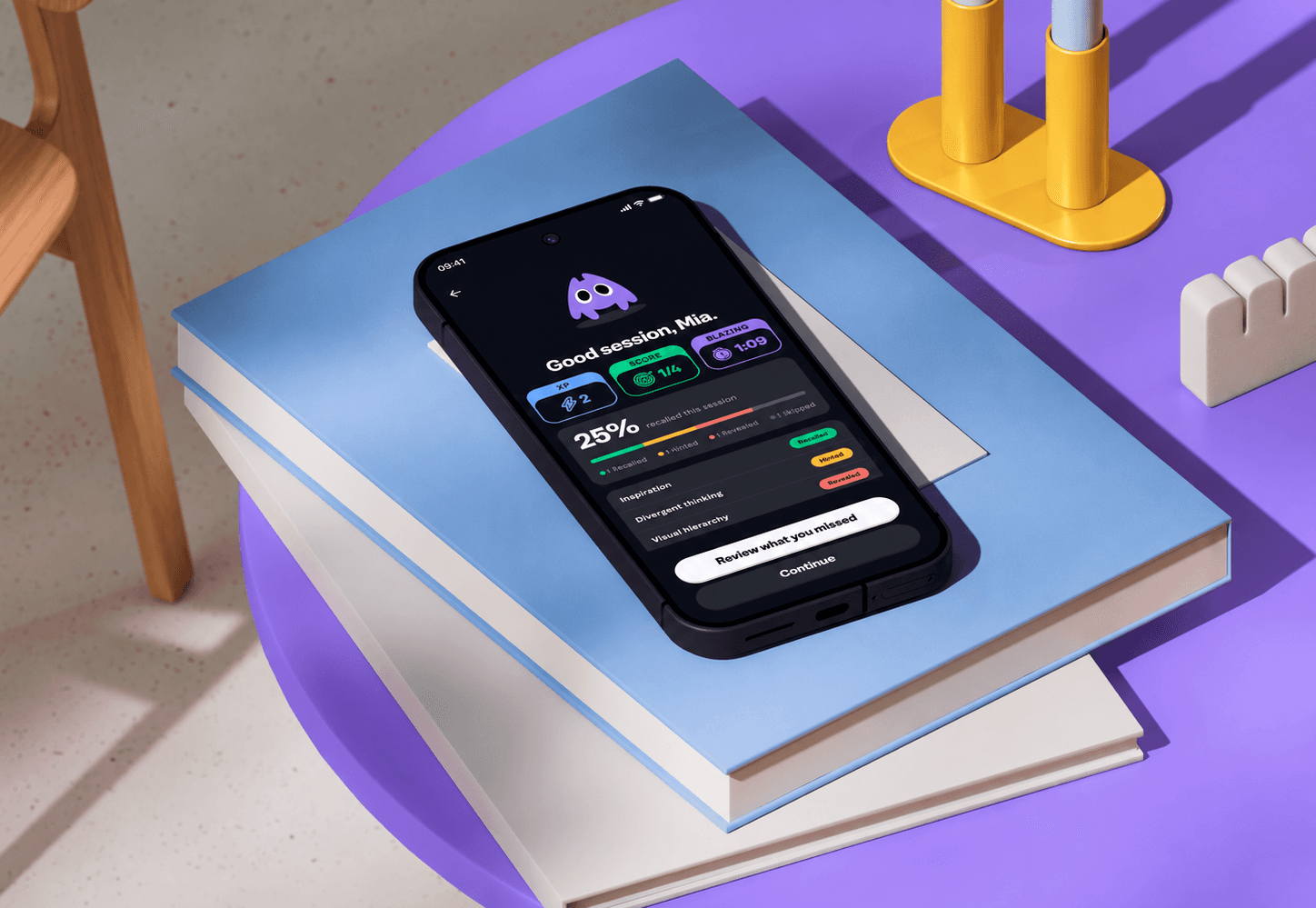
Cater AI: From a Chatbot Study to an iOS Booking Flow
What I built and tested
I built two versions of the same catering intake: Alex, a chat assistant in Voiceflow, and a JotForm baseline. 12 participants completed one catering scenario. I scored order accuracy, ran a usability survey and asked open questions.
What the study revealed
- Neither won. The form was faster when people knew what they wanted. Chat helped when they didn’t.
- Each failed in a different place. The form captured dietary needs better (80% vs 50%). Chat kept budgets better (100% vs 90%).
- Reliability is trust. Session failures pulled trust in Alex down to neutral.


From research to iOS design
- Two ways in, one brief
Home offers Ask Alex or Fill form, and both build the same event brief. Organizers can switch either way without retyping. Fill form stays active while Alex is typing, since a slow reply is when people most need a way out. - Count needs, disclose allergies
Alex and the form both ask how many guests have each dietary need or allergy. Only date, location and headcount filter caterers, so every request gets quotes. Dietary needs, allergies and budget decide how each quote is flagged and ranked. - Quotes name the gap
A quote reads “All needs covered” only when it meets every need and the budget. Any other quote names what falls short and by how much, such as “$80 over budget”. - Progress in view, one step to book
While Alex checks with caterers, the brief stays on the event page with Change with Alex beside it, and a dot on Events signals when quotes arrive. Choosing a caterer opens one sheet to confirm and pay the deposit.
Growing the flow with Claude
I designed the core page flow, then worked with Claude in Figma to add the related pages and steps. I wrote the brief and rules first: derive the system from my screens, name every value by its purpose, check contrast, and add nothing without my approval. Each stage waited for my sign-off. Claude followed rules well and missed problems that only show in use, so I clicked through the prototype to catch them, such as pages that didn’t scroll and buttons that led nowhere.
What I’d carry forward
This project taught me to choose an interface based on the support users need. Conversational guidance is valuable when it reduces cognitive load and helps people resolve uncertainty, but that value depends on reliable operation and accurate capture of requirements. When conversation adds unnecessary effort, a simpler interface can be the better design.